Rethinking how property videos are made — from a brittle, settings-driven system to a template-first platform that cut production time and gave designers real creative freedom.
Focal Agent (now Propertybox) provides photography and marketing services to real estate agencies across the UK. One of those services is property videos — produced from the professional photos taken at each property listing. These videos combine room-by-room imagery, local points of interest (schools, transport links, supermarkets), text captions, and a voiceover narrated by a voice artist from a written script.
Originally, every video was handcrafted by a designer in After Effects — a time-consuming process that didn't scale. If a single agency branch had 50 active listings, that meant 50 individual videos to produce and maintain.
To address the scale problem, the team had built an internal platform that tried to automate video creation. The concept was: configure every visual setting in the system — transition styles, animation types, text effects, colours, timing — and the platform would feed all of that into After Effects running on a server, which would then render the video.
On paper it made sense. In practice, it didn't work.
No preview — ever
To see what any combination of settings would look like, you had to render a full video — a process that could take 30 minutes or more. There was no way to preview an effect on the spot.
Complexity that kept growing
As more animation options were added to the platform, the UI became increasingly overwhelming. Dozens of individual settings, no clear hierarchy, no way to understand what you were building until the video came back.
Creative ceiling
The system only supported whatever animation types had been built into it. Complex motion design, layered transitions, or anything unusual was simply impossible — the system couldn't express it.
The automation wasn't working
The system was so complicated and unpredictable that designers ended up abandoning it and going back to making videos from scratch in After Effects manually. The automation had failed at its only job.
When I joined the team, I looked at the problem differently. The old system was trying to describe animations through settings and then build them in After Effects. That's the hard way round — After Effects is a design tool, not a settings consumer.
My proposal was to flip it: build the template in After Effects first, with all the animations, transitions, and motion design already done, at full quality. Then use the system only for what it's actually good at — managing the data that changes per property: images, captions, points of interest, agency branding.
Vixel is a video template management and order platform. On the production side, a designer creates a property video template in After Effects — with all the motion design, branding, slide structure, and placeholder data already defined. That structure is exported and uploaded to Vixel as a template.
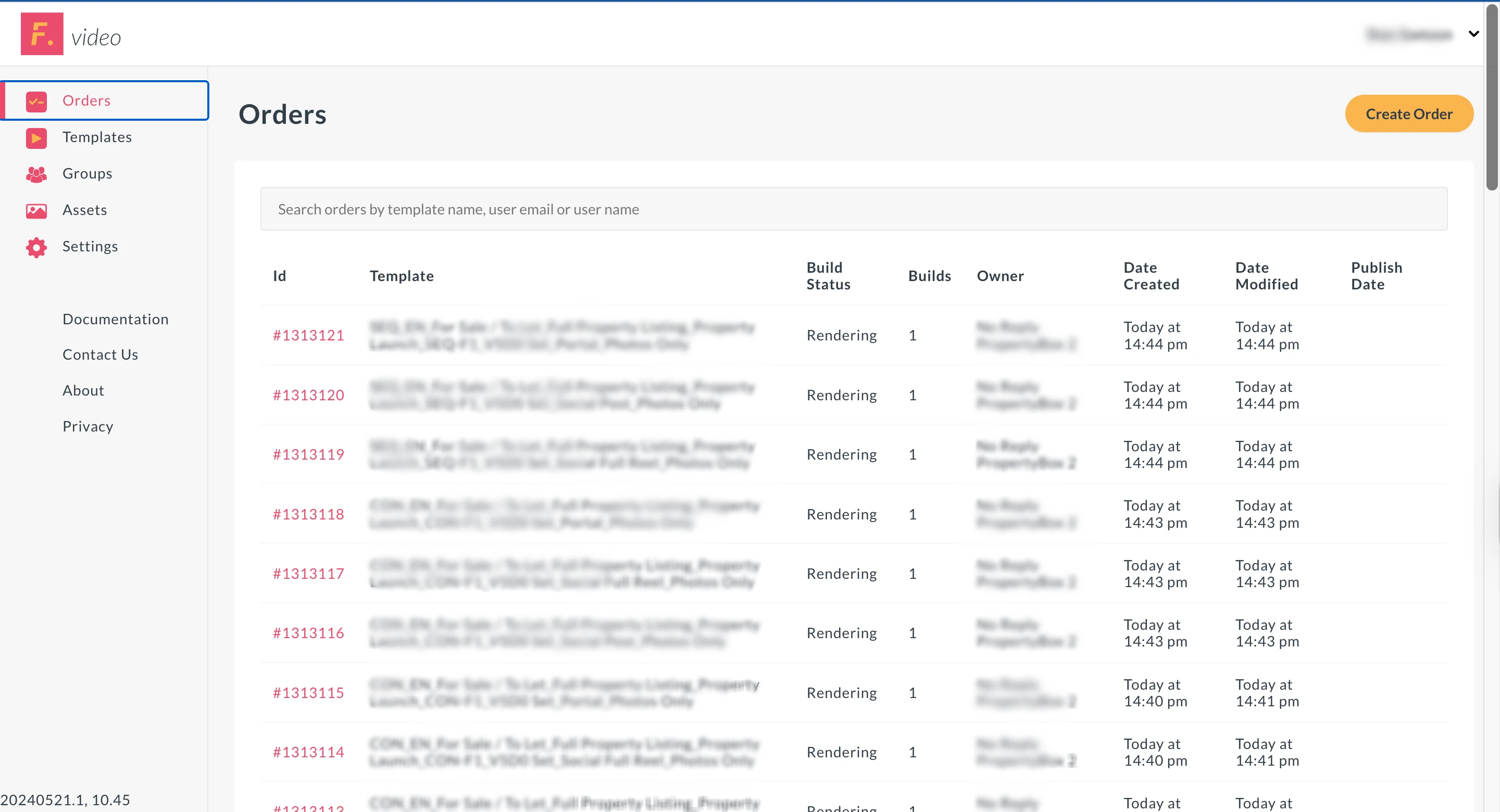
On the agency side, an estate agent logs into Vixel, selects a template assigned to their brand, and creates an order by supplying the dynamic content: property photos, room captions, voiceover script, and points of interest. Vixel handles the rest — dispatching the render job, scaling infrastructure as needed, and tracking the order through to delivery.
Store and manage After Effects templates per agency brand. Each template has a defined structure — number of slides, placeholder types, branding rules — exported directly from AE.
Agencies create and track video orders. Submit property data, monitor progress, and receive the finished video — all without involving the internal production team.
The system spins up additional After Effects virtual machines on demand depending on order volume — so a branch submitting 50 orders doesn't create a bottleneck.
Automatically surfaced local POIs — schools, transport links, supermarkets — included in the video as dynamic slides alongside the property photography.
The old system tried to move animation design into the platform — the wrong place for it. The new approach kept complex motion design in After Effects, where designers already know how to do it, and kept the platform simple: just data in, video out.
The end users of Vixel are estate agents — not designers or developers. The order creation flow needed to be simple enough that someone with no video production knowledge could submit a job correctly. The platform hides all the complexity behind a clean, task-focused interface.
Because animation was no longer constrained by the system, designers could build genuinely compelling templates — complex motion, random stock video inserts between slides, polished transitions. The quality of the output improved significantly, making the product easier to sell to agencies.
Previously, every edge case and failed render created customer service work. By making the template the source of truth and the platform handle the rest automatically, the team's involvement in individual orders dropped significantly.
Scroll to explore
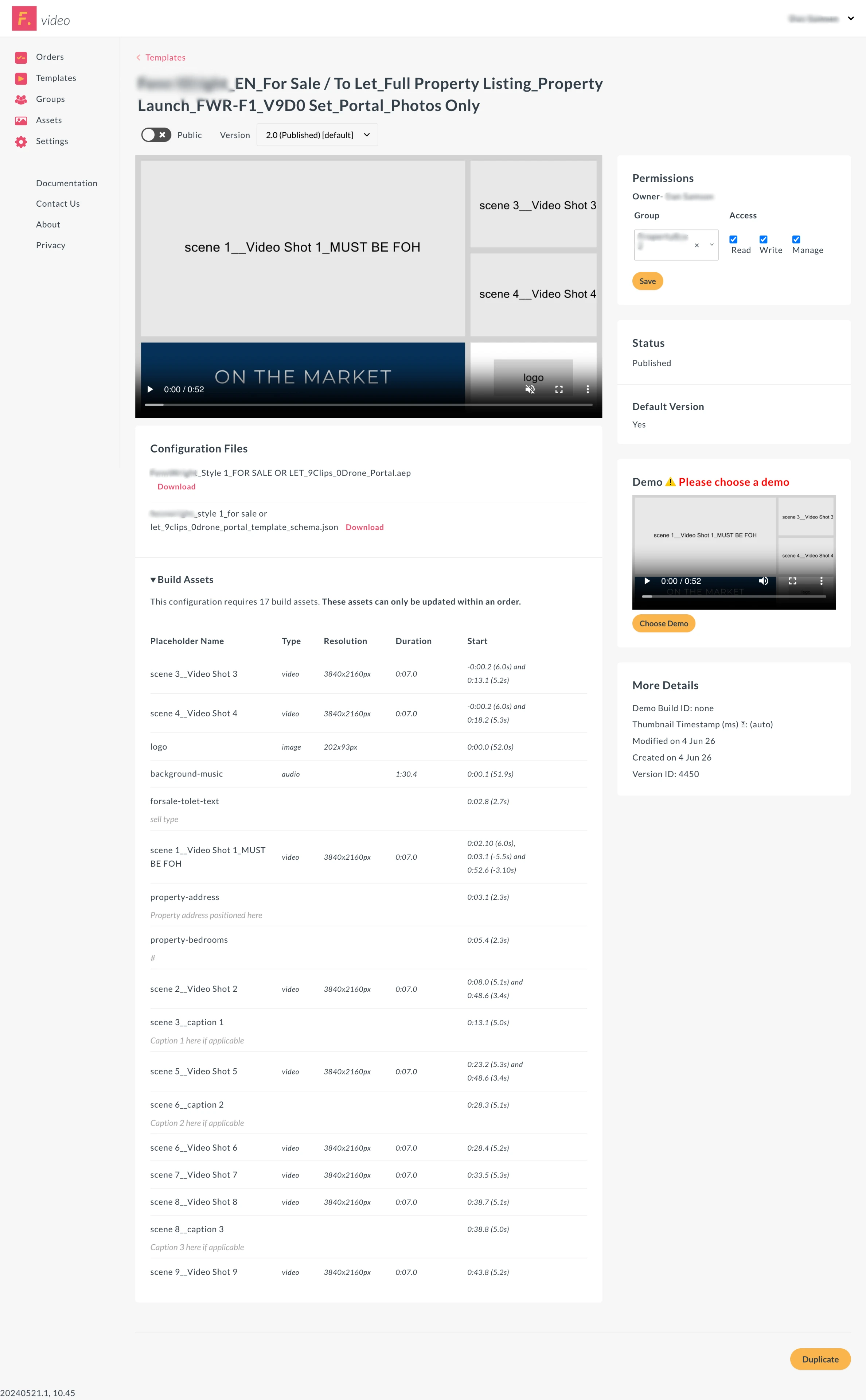
Template management — upload, preview, and assign AE templates to agency accounts
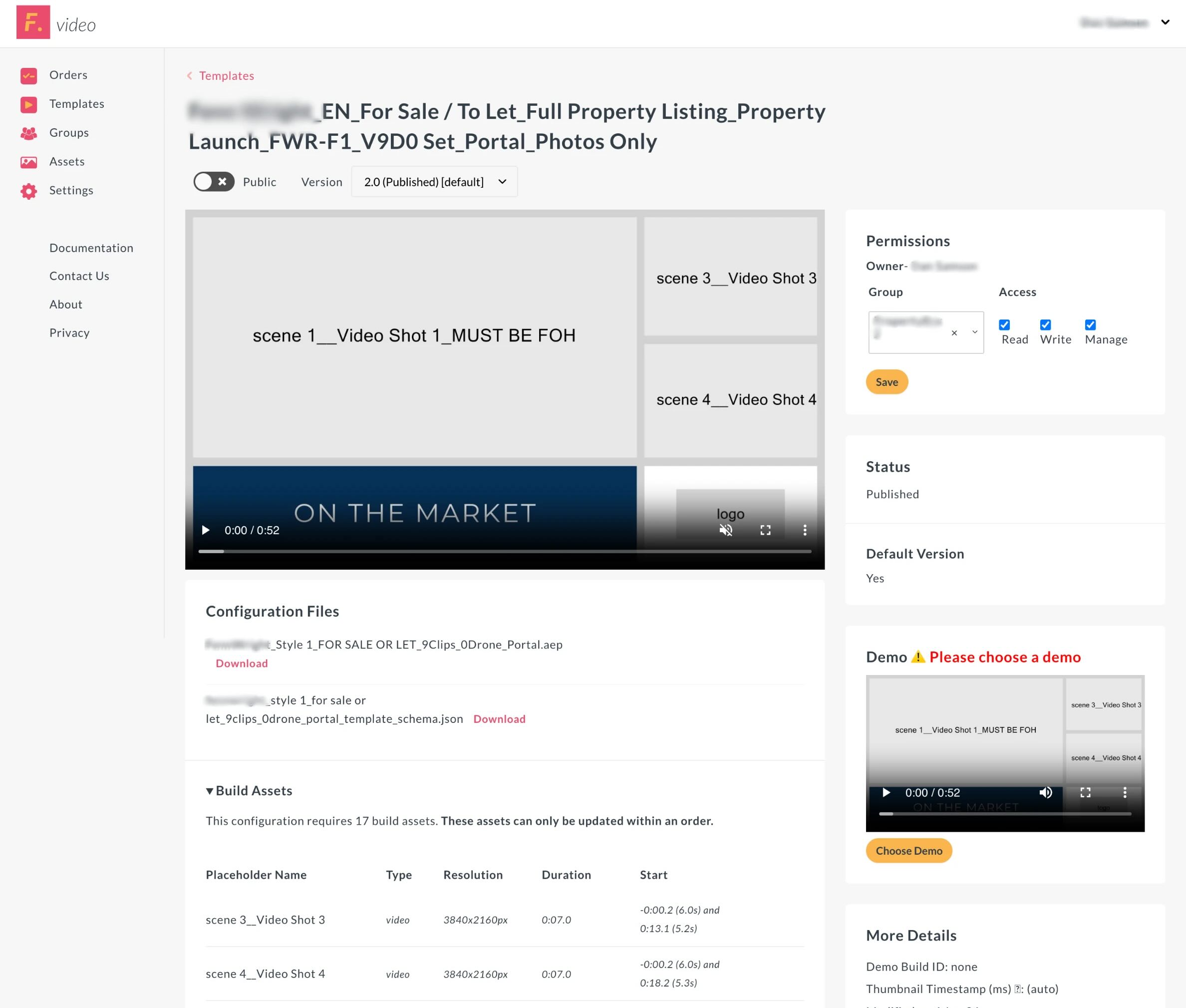
Template detail view
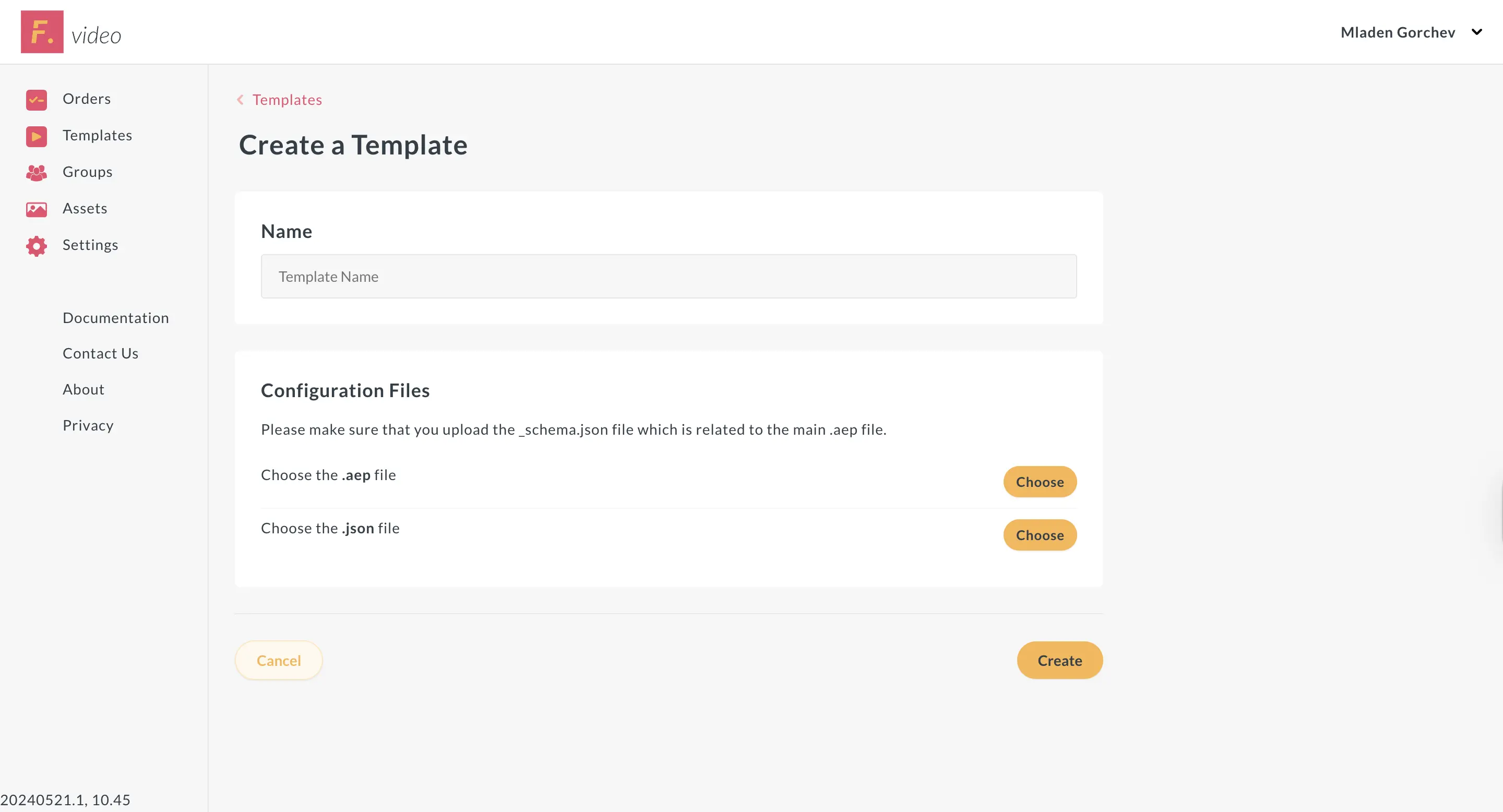
Template creation — defining the structure, placeholders, and settings for a new AE-based video template
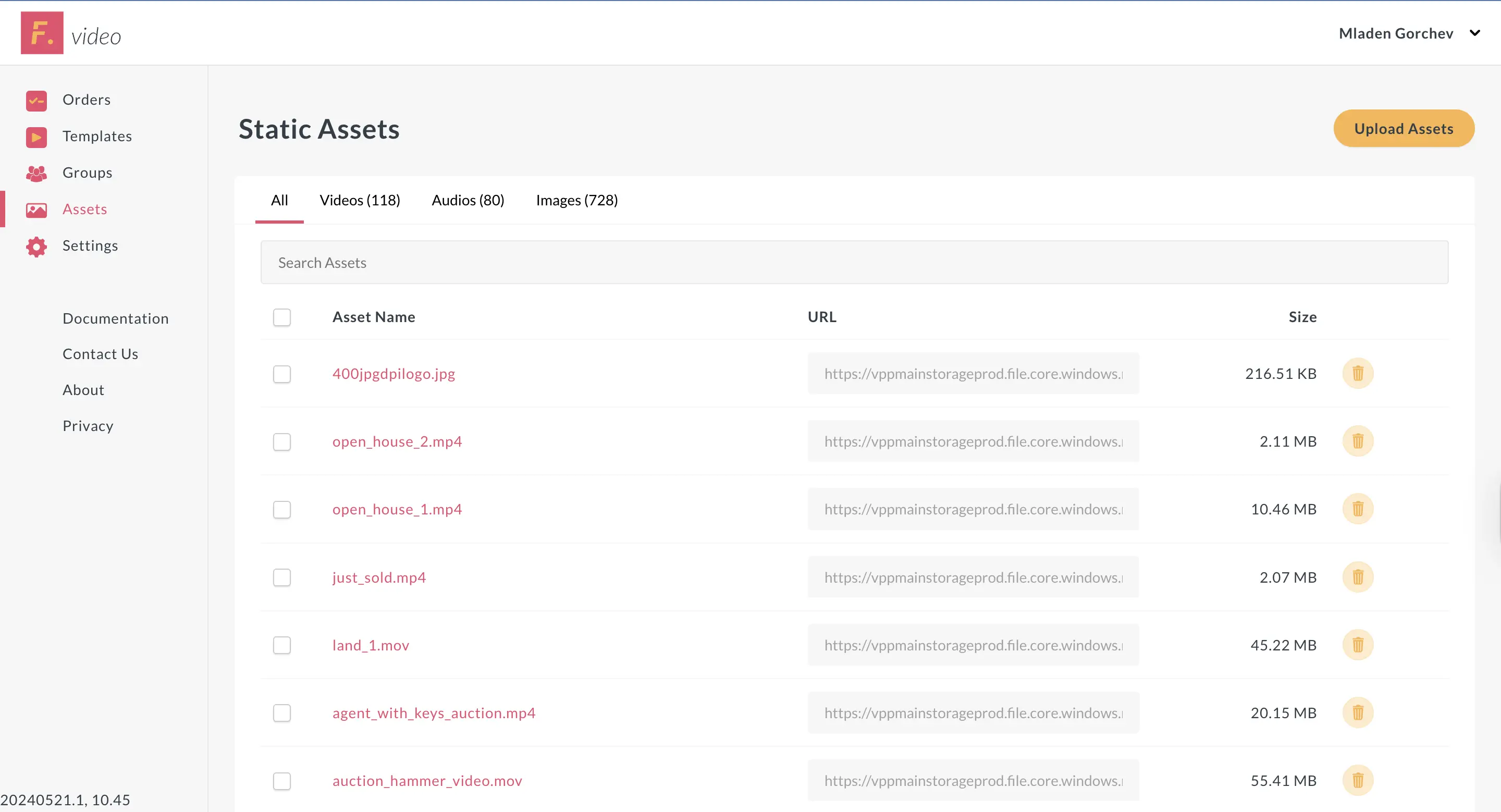
Assets library — a centralised storage area where users upload logos, videos, and other media to reuse across orders and templates
Orders listing — agencies track all submitted video orders and their current status
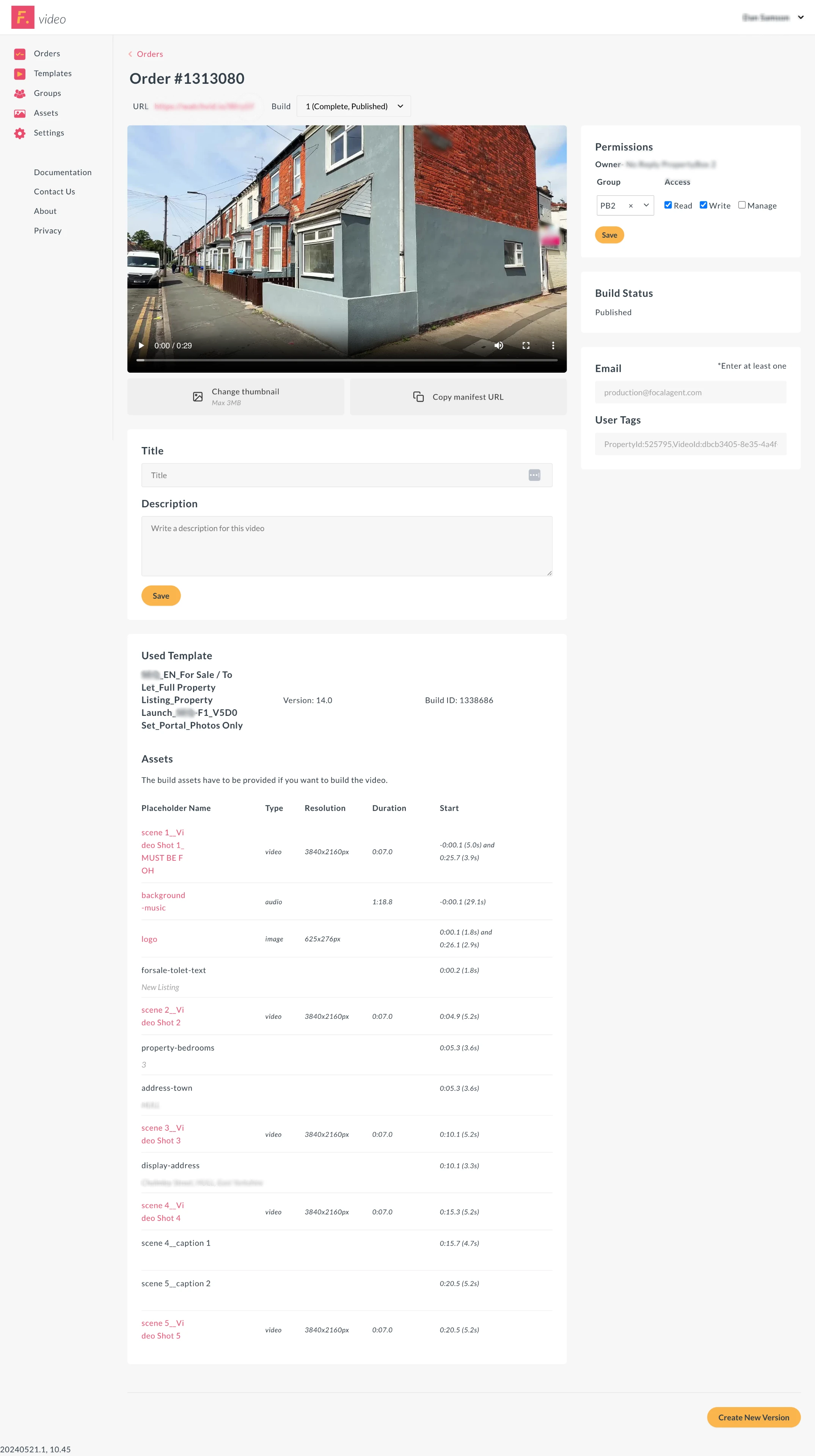
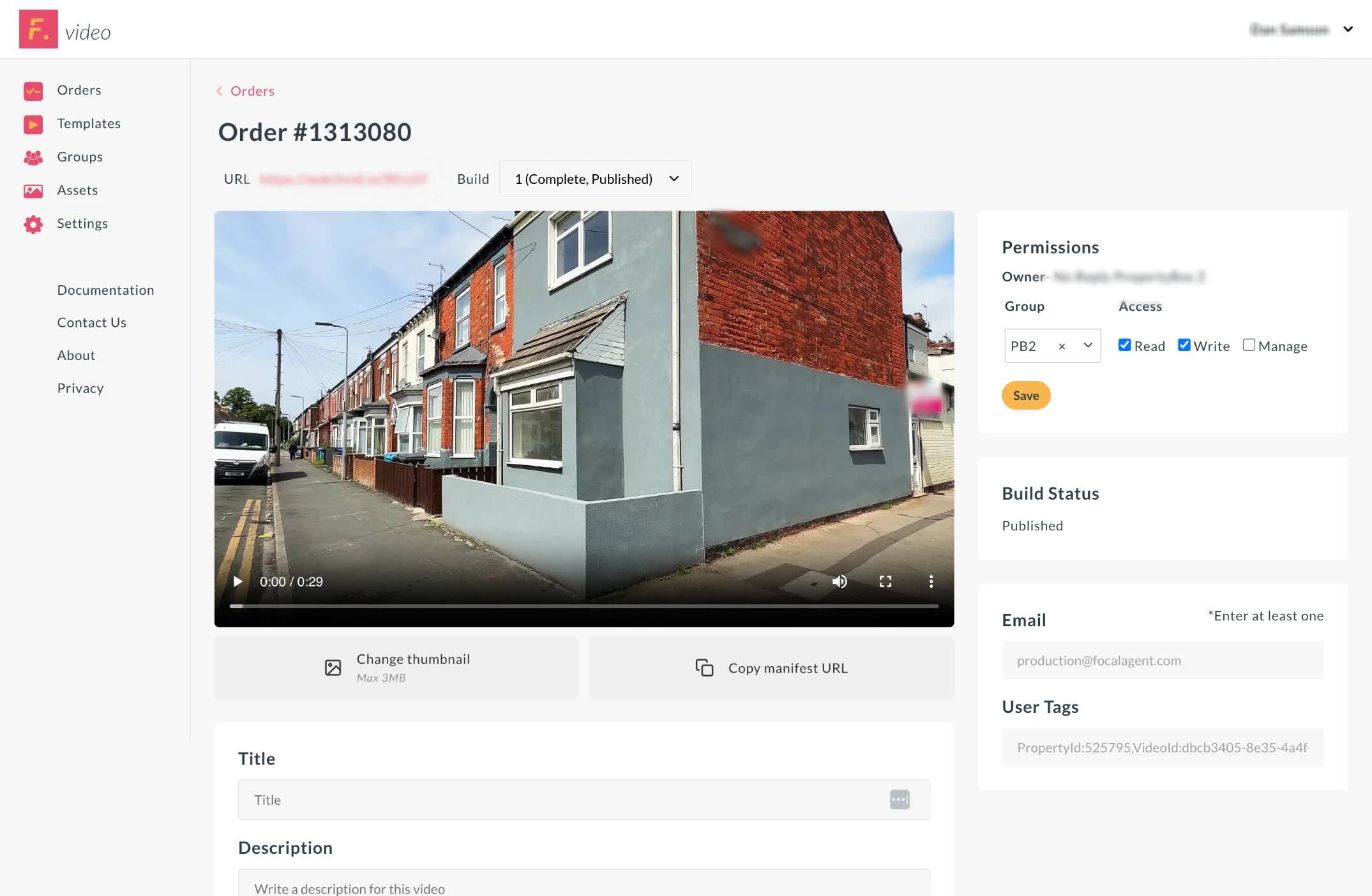
Finished property video — fully rendered from the AE template with the agency's supplied content
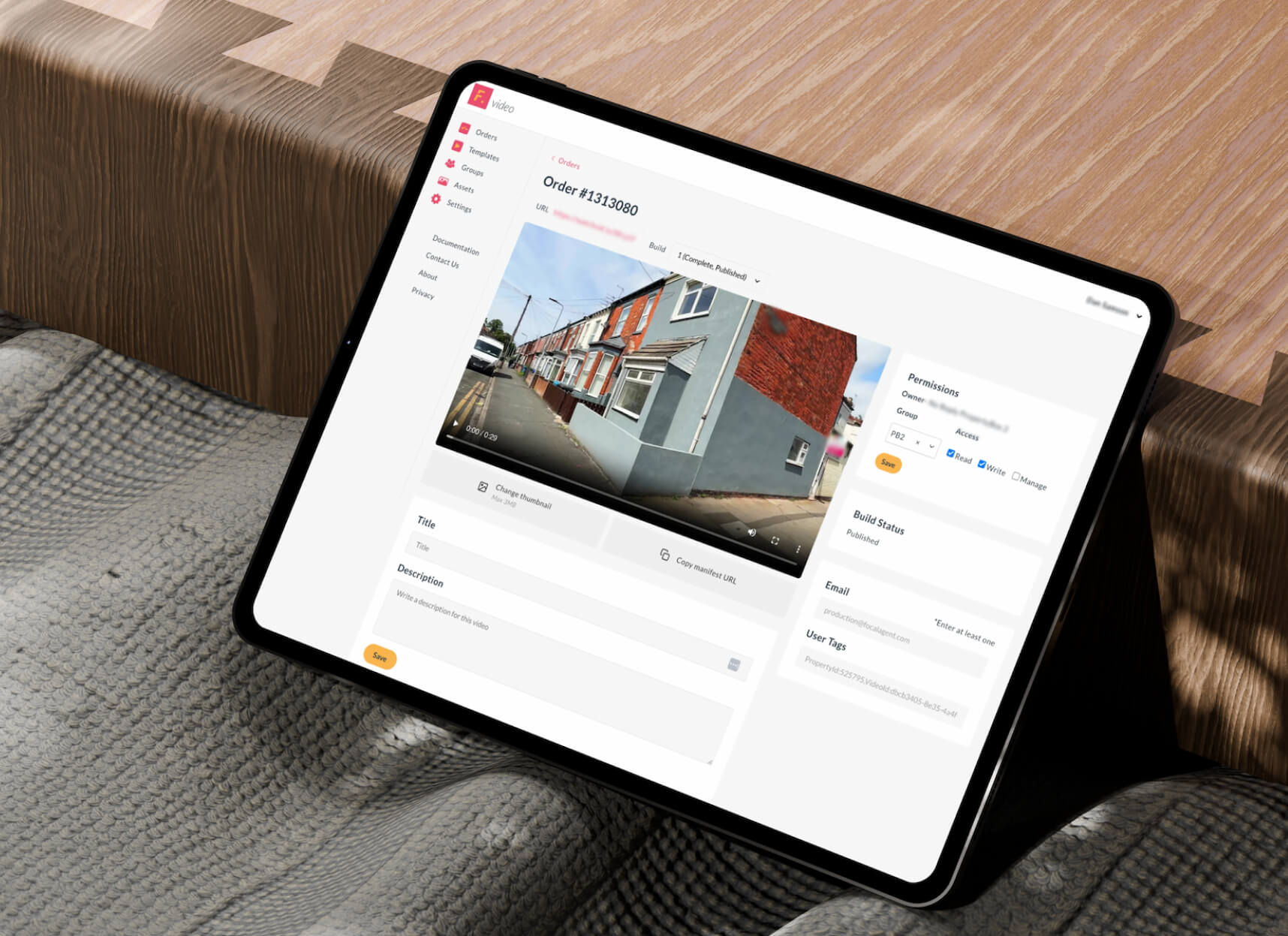
Completed order detail view
The most important thing I learned here was about where complexity lives. The old system had put complexity in the wrong place — it tried to express creative decisions (animation, motion, transitions) through a data interface, which is fundamentally the wrong tool for that job. Recognising that mismatch, and proposing a way to move each concern to where it actually belongs, was the core insight that made everything else possible.
This project also showed me how much a product's design can be shaped by its underlying technical architecture. The old platform was hard to use partly because of its UI, but mostly because the architecture forced it to expose things that should have been invisible. Changing the architecture changed what the UI needed to do — and made a clean, simple interface possible.
Working on something end-to-end — from identifying the problem, to proposing the concept, to designing and building the platform — gave me a different perspective on product design. You make better decisions when you understand the full picture.
Happy to walk through the thinking in more detail or discuss how I approach product design problems.